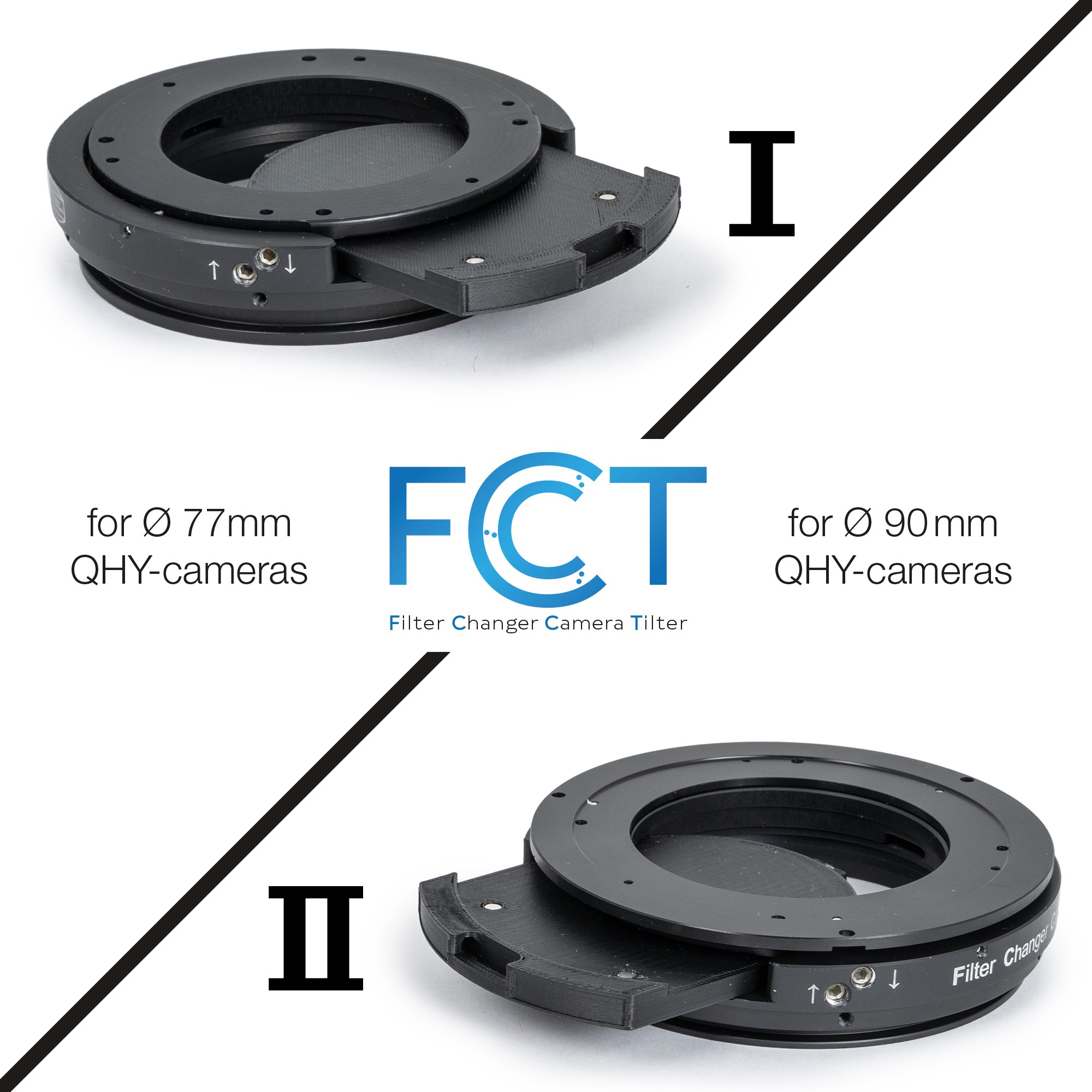
We very much regret the delay in the availability of the FCCT. We had developed the FCCT primarily for the QHY163 M/C Medium Size CMOS cameras, cooled. Our customer Christoph Kaltseis had already been able to test the prototype in the first phase of development with the QHY163M (see his report below). When we were almost finished, a message came from QHY that Sony would discontinue the 163 chip. As a result, we too stopped FCCT production in frustration. However, in mid-2021, the QHY163 was suddenly available again - and we were keen to design a solution for the next larger 90mm camera bodies as well. This has now resulted in two versions of the FCCT, with the FCCT II made for the new QHY 294M / C Pro Medium Size Cooled CMOS camera and QHY268 M/C BSI Medium Size APS-C cameras, cooled. Now it is possible to mount all QHY cameras with 77mm (FCCT I) or with 90mm (FCCT II) body diameter on the RASA 8, change filters - and adjust the position of the camera sensor precisely and quickly with the camera mounted. The FCCT I can also be upgraded for 90mm cameras if required. After an eternally long delay, the Baader FCCT (Filter Changer Camera Tilter) for the Celestron RASA 8" astrograph and for QHY cameras is finally available in two versions:Baader FCCT (Filter Changer Camera Tilter) for RASA 8" and QHY cameras (various versions available)
Read Christoph Kaltseis' detailed report on the Baader FCCT and the QHY163M, QHY268M-PH and QHY294M PRO here.
- FCCT I for RASA 8" – suitable for QHY cameras with 77 mm diameter (e.g. QHY 174 / 163 / 183)
- FCCT II for RASA 8" – suitable for QHY cameras with 90 mm diameter (e.g. QHY 268 / 294)
Team Baader Planetarium

RASA 8, with the prototype of the Baader FCCT + QHY163M camera
A) BAADER FCCT with QHY163M:
After my first impression of the RASA 8 with an ATIK Horizon colour camera, I would now like to summarise my experiences with the RASA 8 in terms of stability (mirror shifting) in combination with the Baader FCCT I (Filter Changer Camera Tilter) and the QHY163M. When the very first prototype of the FCCT I for the QHY163M arrived and the weather looked good on the same evening, I knew: The time is now - but there was no manual for this prototype yet... The Baader FCCT (Filter Changer Camera Tilter) is very impressive in terms of its range of functions (changing filters and adjusting the image position perfectly at the same time), and above all the whole mechanism together with QHY camera body does not cause any vignetting. When I first looked at it, I thought I could mount it in 5 minutes, but it wasn't that easy! I wanted to mount it on the camera in one piece. That didn't work. So first I had to carefully open the three M4 grub screws on the camera side with a long hexagonal 2mm-wrench by about 3.5 turns (if you turn them more, the screws fall out). I could locate the three screws, each 120° apart, quickly, but the outer ring of the filter chamber could still not be seperated from the inner part of the filter chamber. Something still got stuck.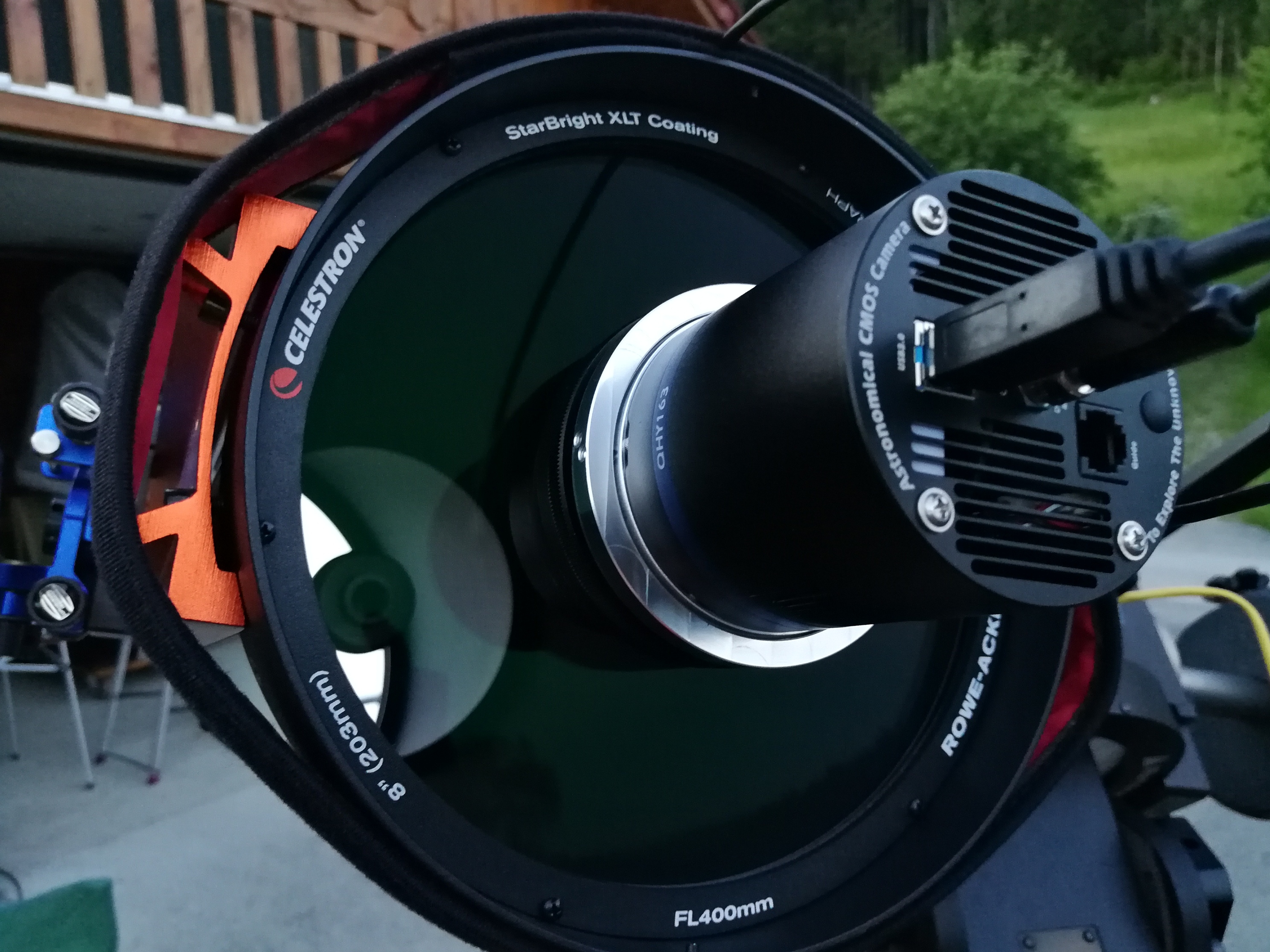 What's going on?
Then I understood: I remembered removing the Schmidt corrector from my C14 the very first time! The Celestron screws were also double - one set at the front of the Schmidt corrector - and another set hidden at the side of the tube...
Searched, found: The outer housing of the FCCT also had two tiny screws opposite of each other, fixing the filter drawer and the flange for the QHY camera to secure them. I found a tiny hexagonal 0.9mm-wrench in the box. After I had unscrewed these tiny screws so far that nothing was visible on the side where they protruded inside, I could pull the outer ring off the inner part of the FCCT with a little force. (The part is made to fit "to zero" - because nothing should wobble sideways in the FCCT at all!) I had to screw this FCCT inner part directly onto the camera body instead of the QHY dovetail ring. Without instructions, this took a bit of thinking at first, because you have to dare to remove three of the screws that hold the camera cover of the QHY chip chamber in place. With a little logic, I quickly found the right screws and there were also three slightly longer screws. I needed the enclosed 1.5 mm wrench for these tiny M2 screws, then the camera-side part of the FCCT was quickly mounted in place, and the chip chamber remained perfectly tight even with three original screws (I just preferred not to undo all six screws). Now the connection on the telescope side could be made.
In the process, I realised that I would have to disassemble the FCCT on the other side as well, because the retaining ring of the RASA can only be mounted if the counterpart RASA flange is detached from the FCCT beforehand and attached in front of the retaining ring. Therefore, I also opened the six small grub screws provided for this purpose by about three turns with the enclosed 1.3 mm hexagonal wrench. The six screws lie deep in the outer ring of the FCCT and are hardly visible at first. Since I still could not attach the telescope-side half of the FCCT adapters (part 1) to the RASA 8, I still had to "lever" the jammed plastic ring out of the retaining ring. I then inserted the retaining ring between the FCCT outer body and the retaining ring and tightened the six screws again with the 1.3 mm wrench. When screwing on the retaining ring at the front of the RASA 8, I inserted both of the supplied 0.5 mm thick spacers in a hunch - this was ultimately the right thing to do in order to achieve the ideal focus position, because I had previously also removed the protective glass from the front optics of the RASA 8, because I didn't want to risk vignetting caused by this filter. By the way, when I screwed on the retaining ring, I was quite careful not to tighten it too much, because I had already noticed at my very first attempt - still without FCCT - with the ATIK that if you apply too much force, you can accidentally twist the whole front optic in the Schmidt corrector.
B) LUM-images with the QHY163M and the RASA 8
-
Filter 1: Luminance Filter
Then I started taking pictures with ONLY Gain 10 (of more than 500!) and Offset 25 and exposure times of only 180 seconds, and it was CRAZY! Dynamic and depth were incredible!
Then I started a series of images at -10°C, 180s Lum, Bin1, Download: Almost everything went perfect, and 30 minutes laters I had allt the data.The RASA 8 with the QHY163 and the Baader FCCT is the next step in astrophotography: Imaging is just fun! There is !no! tilting with the RASA 8 primary mirror when it is focused on the object.

IC 1396, Celestron RASA 8 with Baader FCCT + Baader UNB f2 Highspeed Filter (3.5nm / OIII (4nm) / SII (4nm), total 150min, crop @ 85% size, © Copyright Christoph Kaltseis 2021
C) Some words about the QHY163M and what you should take be aware of
I couldn't get the camera to work without problems at first. Picture errors, long download times, no pictures at all, crashes of MaxIm DL, and the same results with the original QHY software as with MaxIm DL... In the first night with the RASA 8, I had to reinstall the driver of the camera and the ASCOM driver for MaxIm DL (downloaded directly from the QHY website). After that it worked without errors for a while, but that was not the solution to the problem. I was using a PC with Windows 10, i7, SSD, ASCOM 6.4 SP1 and USB 3.0... but this machine had been upgraded from a Windows 7 installation to Windows 10 via Windows 8.1. The device manager showed everything correctly, but it wasn't! On the next night I wanted to go on with the H-alpha imaging, but there were only problems - the camera never really ran without an error. Eventually the weather put an end to the tests. THEN I took another Windows 10 computer with ASCOM 6.4 SP1 and USB 3 (my Wacom MSP16). This machine had Windows 10 installed from the start, with no updates from previous versions. I downloaded the drivers as mentioned on the QHY page for the QHY163M, installed them (system and ASCOM to the QHY163M) and restarted the computer. Now the camera was switched on and connected via USB 3.0. And finally there was the big difference and the indication that it was working now: The driver was loaded and I had to confirm a verification of the driver from the manufacturer in Windows 10 with OK. That was new! Before, the computer pretended to recognise the camera, but that was not correct, although the device manager said: Everything works fine! The acoustic signal had also sounded before, with which new USB devices are recognised. This is because the USB ports were handled differently under Windows 7, 8 and 8.1 than under Windows 10. I had to figure this out first! If I now start the camera in MaxIm DL, it runs WITHOUT an error. On more tip: The ASCOM driver in MaxIm DL remembers the values for gain and offset. If the values are not correct, Gain 174 and Offset 77 are a good starting point. And last but not least: Do not trust the focus position information of the telescope manufacturer or the backfocus information of your camera! Slight deviations - different for each telescope - can occur. You may have to experiment with the 0.5 mm spacers.
M16, RASA 8 f/2 with Baader FCCT + f2 Highspeed Filter (H-alpha, SII, OIII),; 12x Ha, 12x O3, 14x S2 - 300 seconds; camera: QHY163M, Gain 50, Offset 25 @ -15°, Software: Maxim DL, Pixinsight & Adobe Photoshop CC 2019, total exposure time: 190min, Pixel Scale: 1,95“ with QHY163M, © Copyright Christoph Kaltseis 2019

IC1318, total exposure time 205 min. The SHO colour palettewas set as RGB. (300sec subs). NO sharpening! The reflection around Sadr (2,2mag) is weakened, and there is a hidden third reflection ring. But 300s at f2 are equal to 600s at f2.8 or 1200s at f4! © Copyright Christoph Kaltseis 2019
Baader FCCT for QHY294M PRO and QHY268M-PH camera
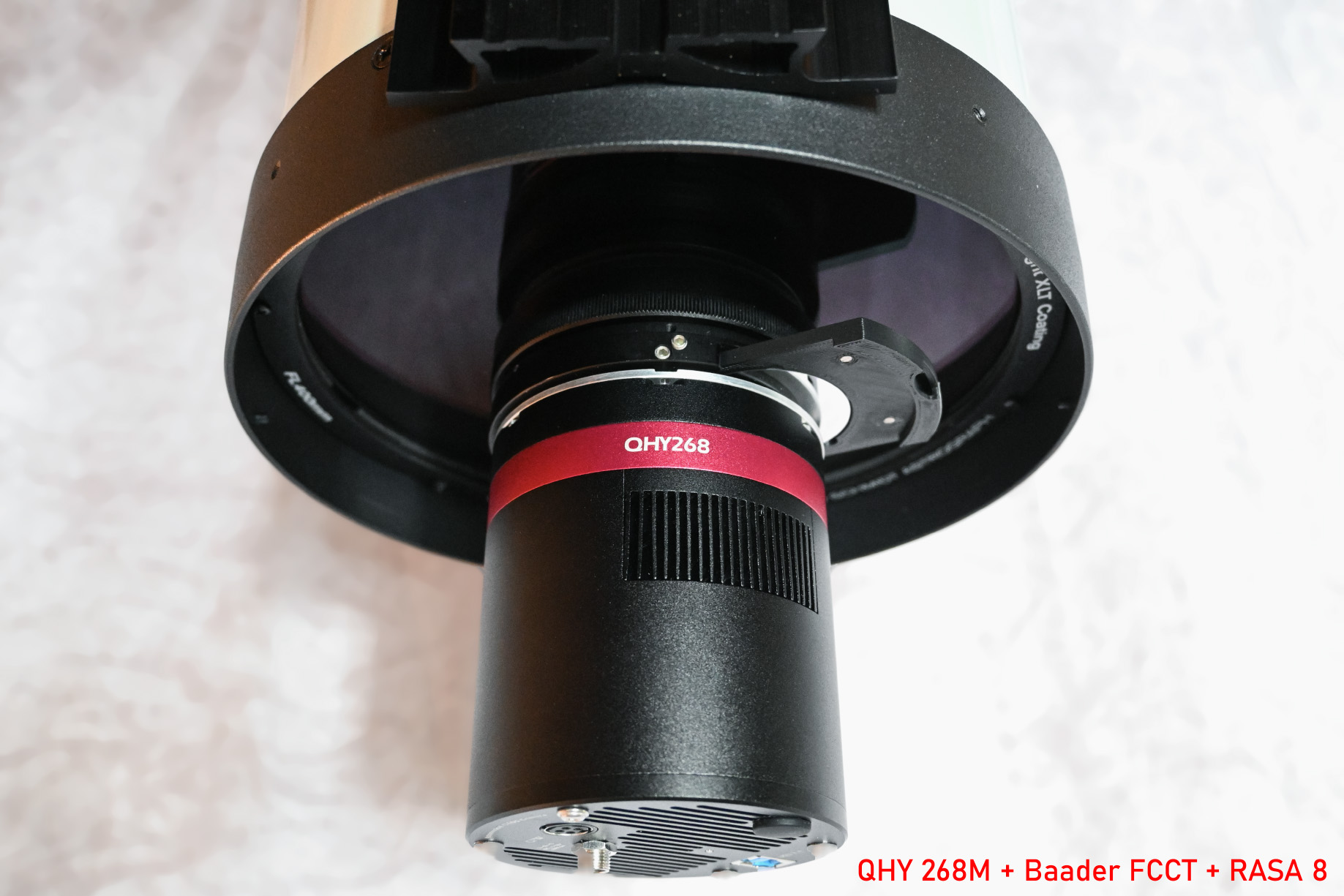
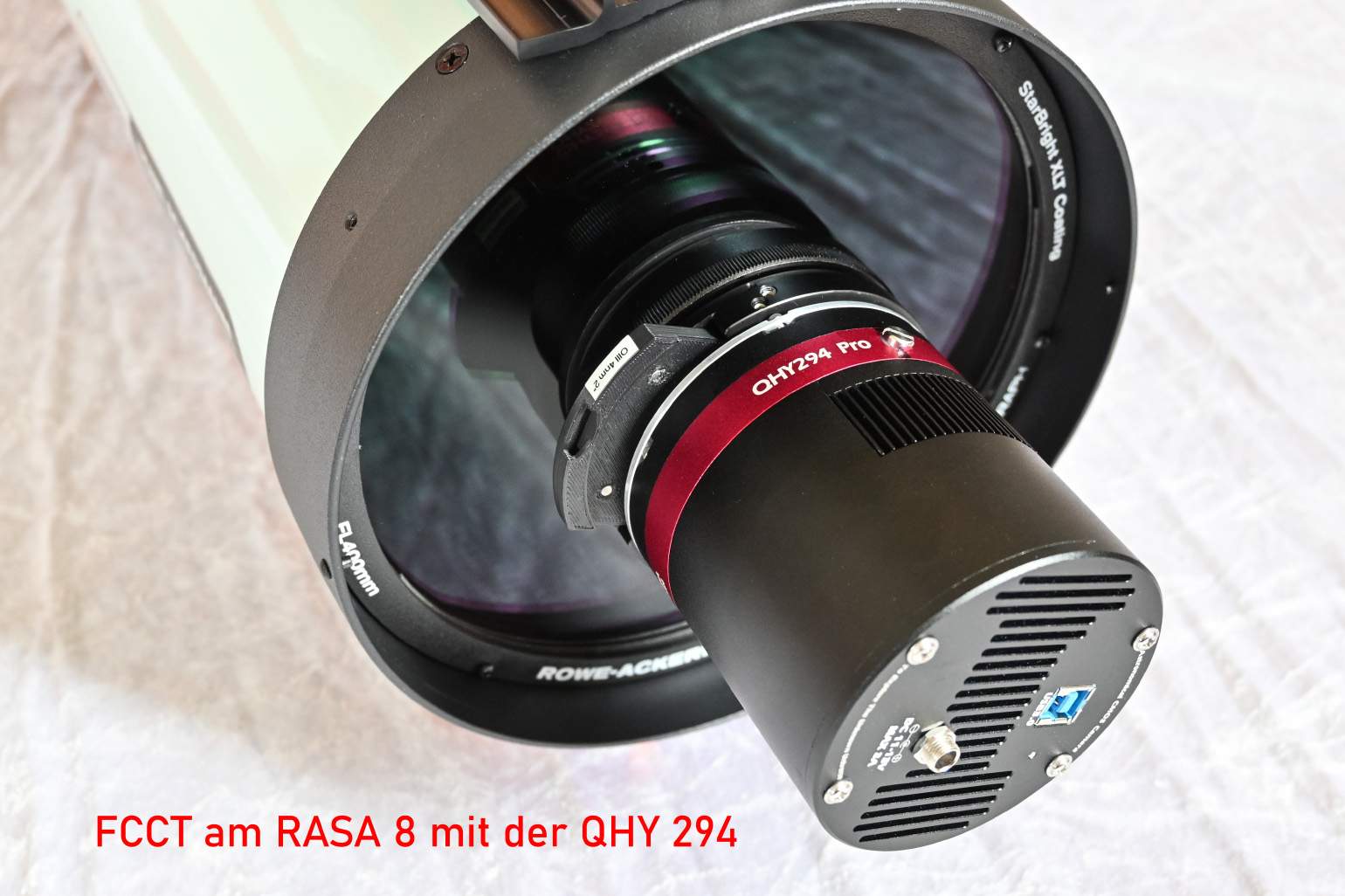 After the development of the Baader FCCT for further QHY-cameras with 90 mm diameter, I could test this new modification on my RASA 8", too. With the Baader FCCT (and with the same work flow as with the FCCT I), QHY294 and even QHY268 can be aligned perfectly to the opticle axis of the RASA.

Celestron RASA 8, QHY 294C and Baader FCCT with Baader Neodymium Filter / RGB 17x120sec = 34min at 400mm
There is no doubt that I will continue to experiment with the RASA 8 and the FCCT!